
Subscribers can access everything published to the Slate channel in the Apple News app. There are 2 ways to do this.
Link an Existing Slate Plus Membership
1. On a Slate story in the Apple News app, click the link for "Already subscribed to Slate?"
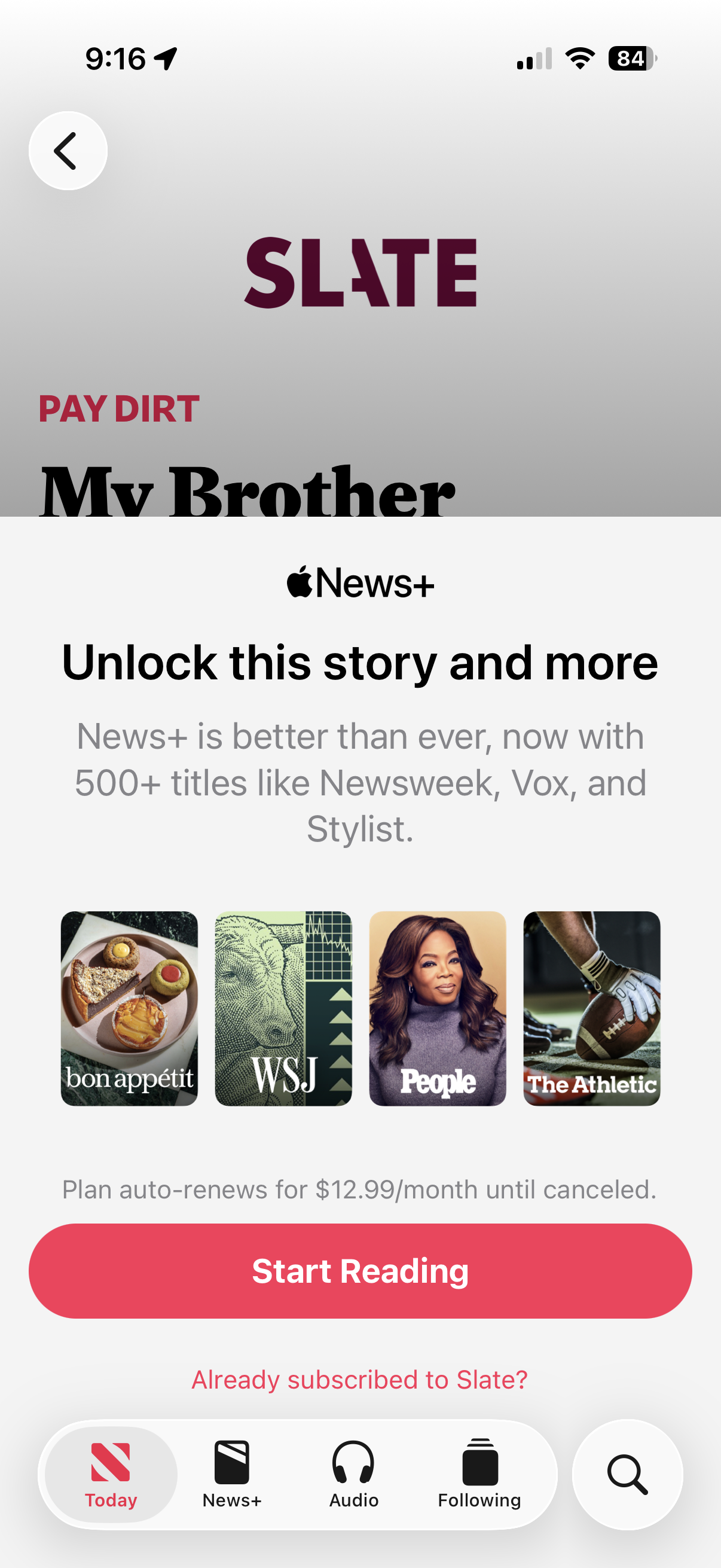
2. When you see a notice asking to give permission to my.slate.com to sign in, click the Continue button.

3. You will see a page where you can sign in with your existing Slate Plus account.
If you have trouble signing in, see our other help articles.
Subscribe to Apple News+
If you are not a Slate Plus member, you can subscribe to Apple News+ in the Apple News app. This will only give you access to Slate content in the News app.
If you would like to read Slate content in Apple News, the Slate app and on Slate.com, as well as listen to all of Slate's podcasts ad-free, join Slate Plus. Then come back to this page and follow the instructions at the top to use your Slate Plus membership in the News app.