
In the top right corner of any Slate page, click Sign In.
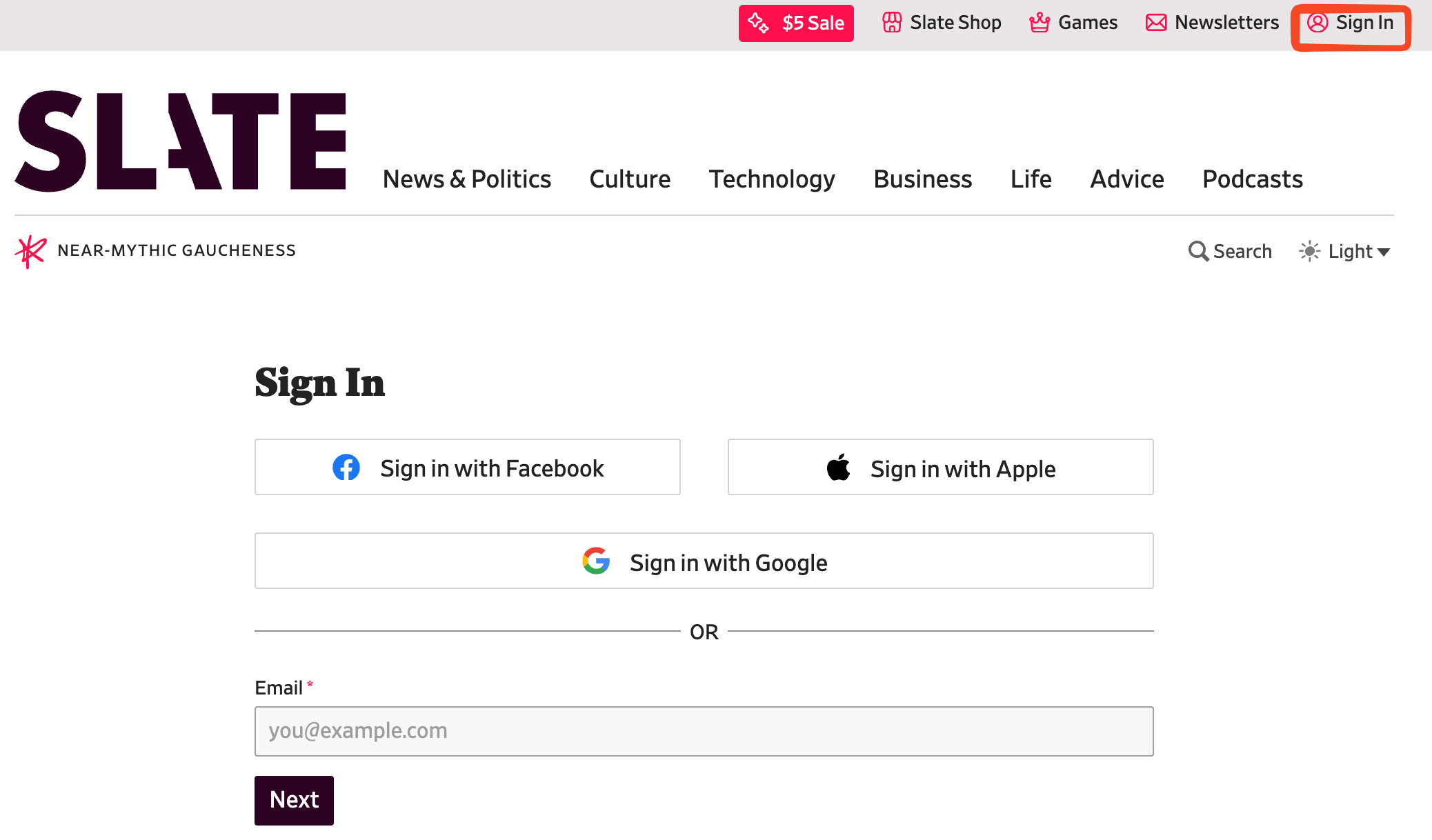
If you created your account using your Facebook, Google, or Apple account, make sure to click the appropriate button to log in.
Otherwise, enter the email you used when you created your account, then click Next.
- If your account has a password, the password field will appear. Enter your password here. If you forgot your password, click the "I forgot my password" link under the Next button.
- If your account does not have a password, you will be sent an email with a link and a code to sign in. You can either click the link in the email, or enter the code on the screen that appears. Using the code is the best way to sign into the
Once signed in, you'll have access to unlimited articles and all of your podcasts will automatically play the ad-free extended versions in place of the regular ones here: https://slate.com/podcasts. Or you can subscribe to the Slate Plus version of any show in the podcast app of your choice.
- You can find details about your Plus membership on your Slate Plus Account page.
- Having trouble signing in? Try these trouble shooting tips.
- Signed in but not recognized as a Plus member? Check here for more info.
- To access Slate Plus benefits inside Slate's iOS app, follow these instructions.